Shop TV Boards: What to Put on the Screen (and What to Leave Off)
A TV on the shop wall can save dozens of walks to the office every day, or it can become expensive wallpaper. The difference is what you put on it.
By Truss Plant Portal Team··5 min read
A screen on the shop floor is one of the cheapest improvements a truss plant can make. A TV and a small computer or streaming stick cost little compared with the time crews spend walking to the office to ask what's next, or waiting for a lead to come and tell them. But many shop screens end up ignored, because they show the wrong things, in the wrong way, or stop updating.
This article covers what a shop TV board should show, how to design it to be read from across a noisy shop, and what to leave off.
Start with the questions crews actually ask
The best way to decide what goes on the screen is to listen to the questions crews and leads ask during a shift. In most plants they sound like:
What are we building right now, and what's next?
How far through this job are we?
Is the material for the next batch ready?
How are we doing today?
What ships tomorrow?
A good shop board answers those questions at a glance, without anyone having to walk anywhere or ask anyone.
What to put on the screen
What each crew is building
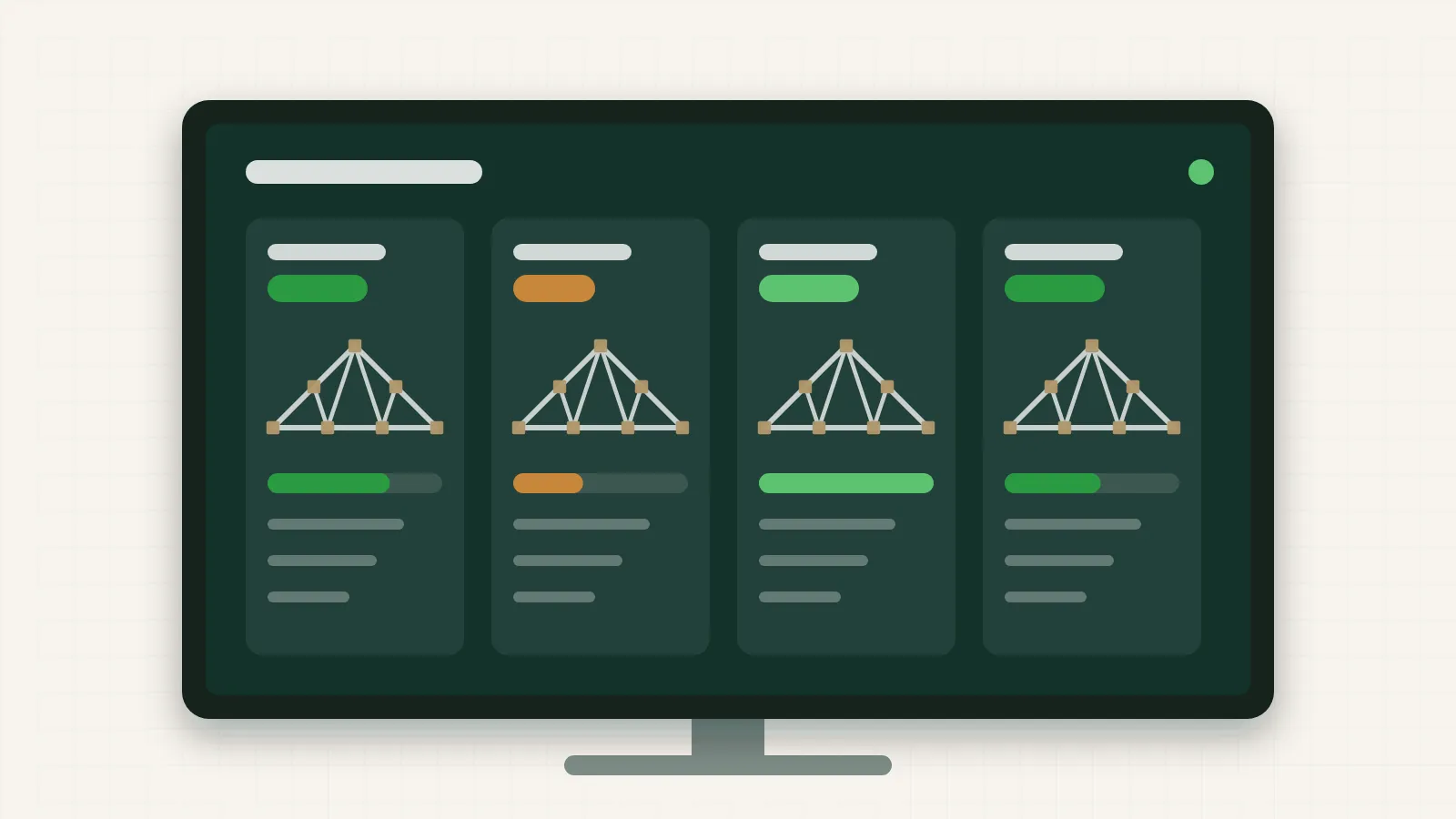
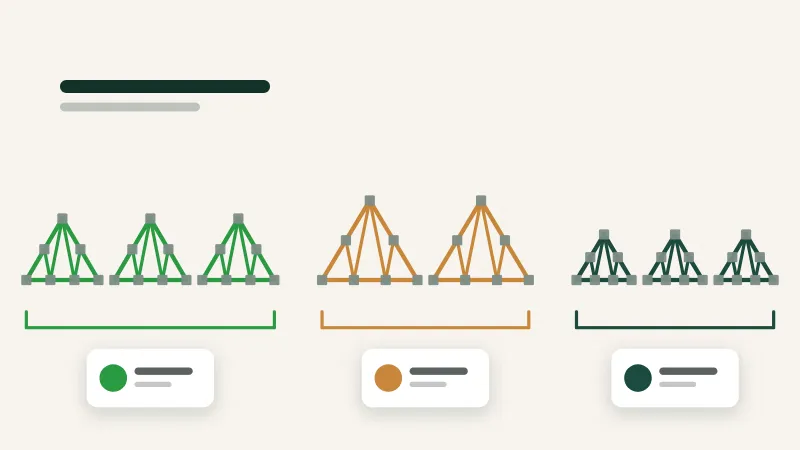
The most useful single thing a shop TV can show is what each crew is working on right now: the job, the batch and its status (started, paused or done). This helps crew leads coordinate, helps the yard stage material for the next batch, and lets a supervisor see the whole floor from one spot.
Progress against today's goal
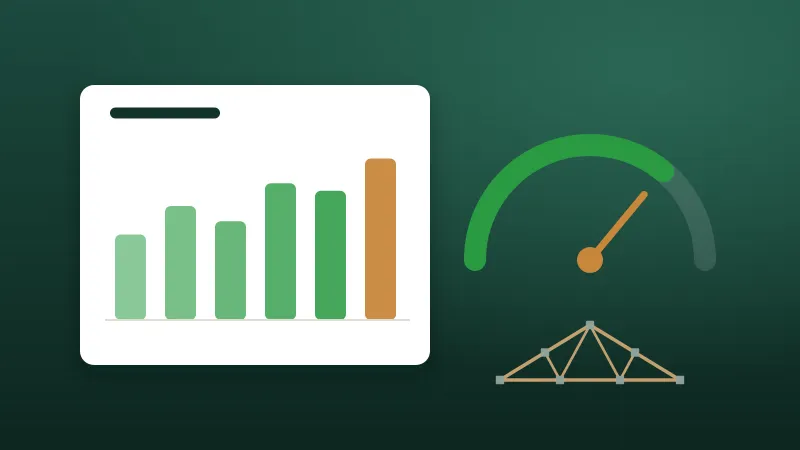
If you run daily goals, show progress against them. A simple bar or number for each crew is enough. Progress that updates as batches are finished is far more motivating than a tally announced at the end of the day. (If you run a bonus program, see Designing a fair crew bonus program for how to keep it fair.)
What's coming next
Showing the next batch or two for each crew reduces downtime between batches and lets the yard work ahead.
What ships soon
A short list of jobs shipping tomorrow, with whether they're built yet, keeps everyone aware of the deadlines that matter most.
What to leave off
Just as important is what doesn't belong on the screen:
Too much detail. Full cut lists, every truss in a job or long tables of numbers can't be read from across the shop. Keep detail on phones and tablets near the tables.
Individual rankings that embarrass people. Showing crew progress is motivating; publicly ranking individuals by speed often isn't, and it can push people to rush.
Sensitive information. Customer pricing, costs, pay rates and personal details don't belong on a screen anyone walking through the shop can see.
Stale information. A board that's a day out of date is worse than no board, because people stop trusting it and stop looking.
Constant animation. Scrolling tickers and flashing graphics are distracting. Change the screen only when something actually changes.
Design for distance, glare and noise
A shop TV is read from a distance, often at an angle, under industrial lighting, by people who are busy. Design for that:
Big text. If it can't be read from where crews actually stand, it isn't working. Test it from the far end of the tables.
High contrast. Light text on a dark background or dark on light; avoid low-contrast greys and subtle colours.
Few items. A handful of large blocks beats a dense dashboard.
Colour with meaning. Use colour for status (building, paused, done), and use it consistently. Don't rely on colour alone, since some people can't tell certain colours apart; pair it with words or icons.
No sound needed. It's a shop; nobody will hear it.
Placement matters
Put the screen where crews naturally look: near the tables, visible from the walkway, away from direct glare from windows and lights. One screen per area is usually better than one giant screen that's far from half the floor. Mount it high enough to be seen over material and equipment, but not so high that people have to crane their necks.
Keep it updating itself
The single most important property of a shop board is that it updates without anyone touching it. If someone has to edit a slide or update a spreadsheet for the board to change, it will be out of date by mid-morning on a busy day.
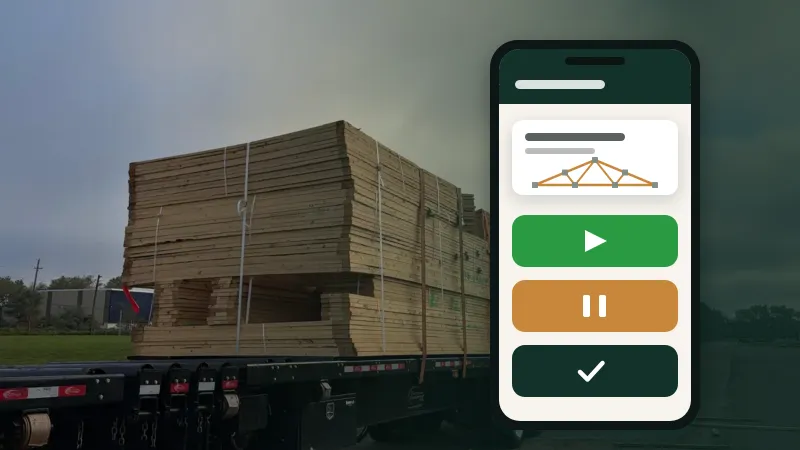
The best source is the work itself. When crews tap Start, Pause and Done on their batches, and the board reads from the same data, the screen is always current. The office, the job board and the daily report all see the same information at the same moment.
Practical details help too:
No login on the TV. A screen that needs someone to sign in every morning will eventually show a sign-in page all day. Use a dedicated link for the TV that shows the board and can't change anything.
Recover automatically. If the network drops or the TV restarts, the board should come back on its own.
One link per screen, so you can show different views in different areas.
Measure whether it's working
After a few weeks, ask:
Do crews look at it? (Watch for a day; you'll know.)
Have the walks to the office for "what's next?" questions gone down?
Is the information on it accurate?
What do crews wish it showed, or didn't show?
Then adjust. A shop board is never finished; it should evolve with the plant.
Summary
Show what each crew is building, progress against today's goal, what's next and what ships soon. Leave off detail, sensitive information and anything that embarrasses people. Design for distance and glare, put it where crews look, and above all make sure it updates itself from the work being done.
Truss Plant Portal's build tracking includes shop TV links that show what each crew is building, updated as crews tap through their batches, with no login needed on the screen.
Trusses per hour is the number everyone quotes and the one most likely to mislead. Here's how to measure production in a way that's fair and actually useful.