Using AI Assistants with Your Plant Data, Safely
AI assistants can now look up jobs, check stock and even draft designs from plans. Here's how to get the benefit without handing over the keys.
5 min read
AI & Claude connector
Truss Plant Portal is also a Claude connector. Connect it once and Claude can look things up, make updates and help with design work from uploaded plans, signed in as you.
What it does
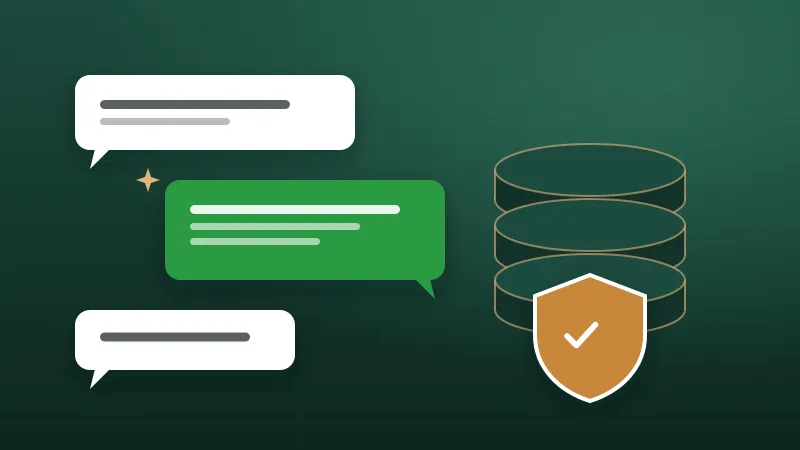
"Which jobs ship this week?" "What plates are low?" "Start batch 3 for crew 2." Claude finds the answer in the portal.
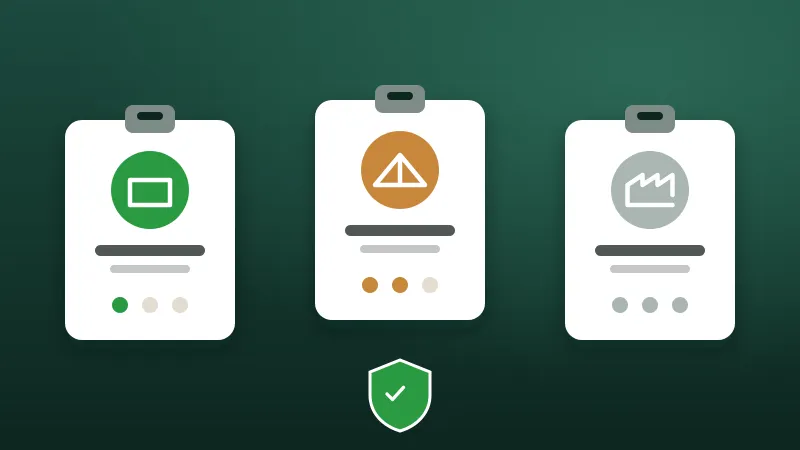
Claude acts as the person who connected it. Viewers can only read; editors can update; admins can do more.
Changes made through Claude carry the name of the person who connected it, like any change in the app.
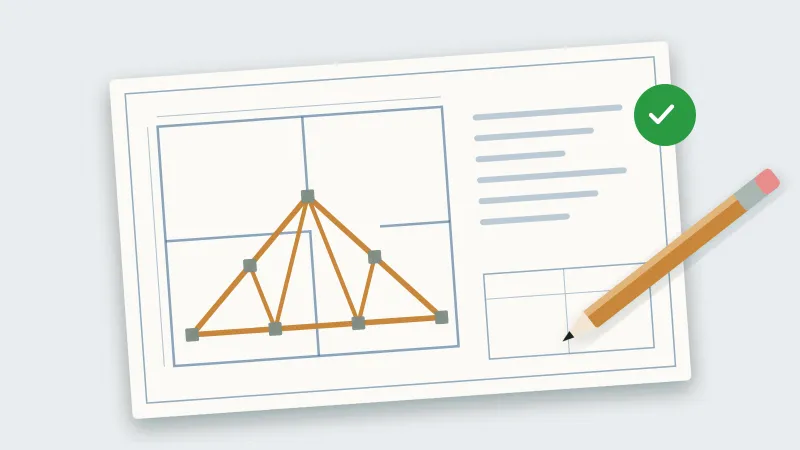
Claude can read uploaded plan pages and send designs back for your designers to review.
Disconnect from your account at any time. Turning a person off or changing their password disconnects them too.
The connector uses a standard OAuth sign-in: you sign in on a Truss Plant Portal page and press Allow.
Day to day
In Claude, add a custom connector with the portal's address.
Sign in with your portal username and password, then press Allow.
Ask Claude about jobs, stock, builds, points or plans.
Review what it suggests before you rely on it.
From the blog
AI assistants can now look up jobs, check stock and even draft designs from plans. Here's how to get the benefit without handing over the keys.
5 min read
Plans arrive by email, designs go out as attachments, and somebody builds from revision two when revision three exists. Here's a workflow that prevents it.
5 min read
Shared passwords and everyone-can-edit spreadsheets are convenient until something goes wrong. Here's a practical way to give each person the access their job needs.
4 min read
Tell us about your plant and we'll show you the portal with the kind of work you build every day.