How to Schedule Truss Deliveries Without the Daily Scramble
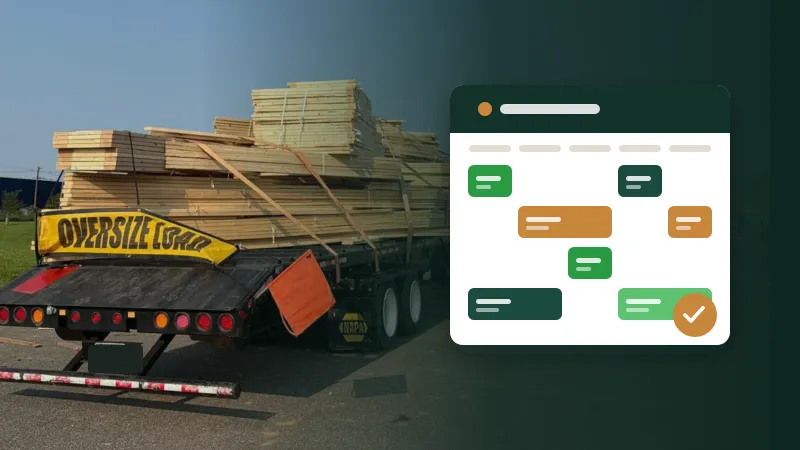
Most delivery trouble starts days earlier, on the schedule. Here's how to build a delivery plan your office, yard and crews can actually work to.
6 min read
Job schedule
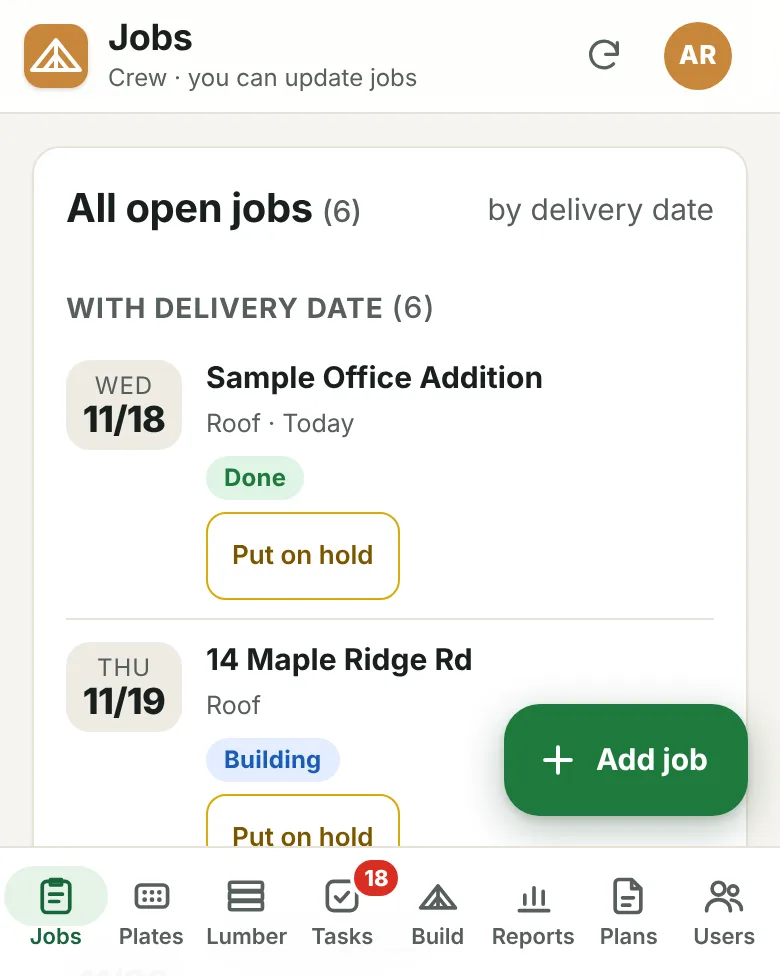
The job board lines up open jobs by delivery date and flags late ones. Each job shows exactly where it stands, and several statuses at once when the yard and the tables are both on it.
What it does
Open jobs line up by when they ship, so tomorrow's loads are always at the top and late jobs stand out.
Picking, cutting, cut in full, building, done, delivered and on hold. A job can be picking and cutting at the same time.
Put a job on hold and it moves out of the way into its own list, without losing its details.
Board feet, hangers and notes stay with the job, where the yard and the office can both find them.
Every change is signed with the name of the person who made it, so questions get answered without a meeting.
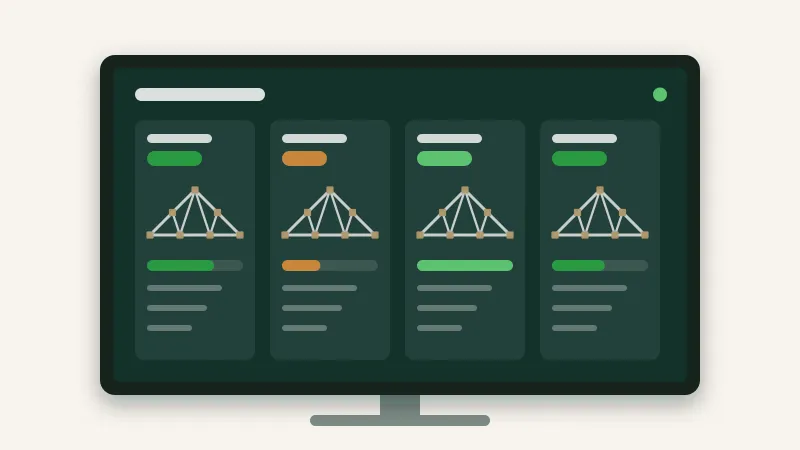
The office computer, the yard lead's phone and the shop TV all show the same board.
Day to day
The office adds the job with its delivery date.
The yard marks it picking; the saw marks cutting, then cut in full.
Build tracking moves it to building as crews start its batches.
It's marked done, then delivered when the truck is back.
From the blog
Most delivery trouble starts days earlier, on the schedule. Here's how to build a delivery plan your office, yard and crews can actually work to.
6 min read
A TV on the shop wall can save dozens of walks to the office every day, or it can become expensive wallpaper. The difference is what you put on it.
5 min read
Spreadsheets got your plant this far. Here's how to move to something better in stages, without a big-bang switchover or a lost week.
4 min read
Tell us about your plant and we'll show you the portal with the kind of work you build every day.