Mobile-First Tools for the Shop Floor: What Actually Works
Software that works fine at a desk often fails on the shop floor. Here's what makes a tool usable for people with gloves, noise and no time to spare.
4 min read
Most delivery trouble starts days earlier, on the schedule. Here's how to build a delivery plan your office, yard and crews can actually work to.
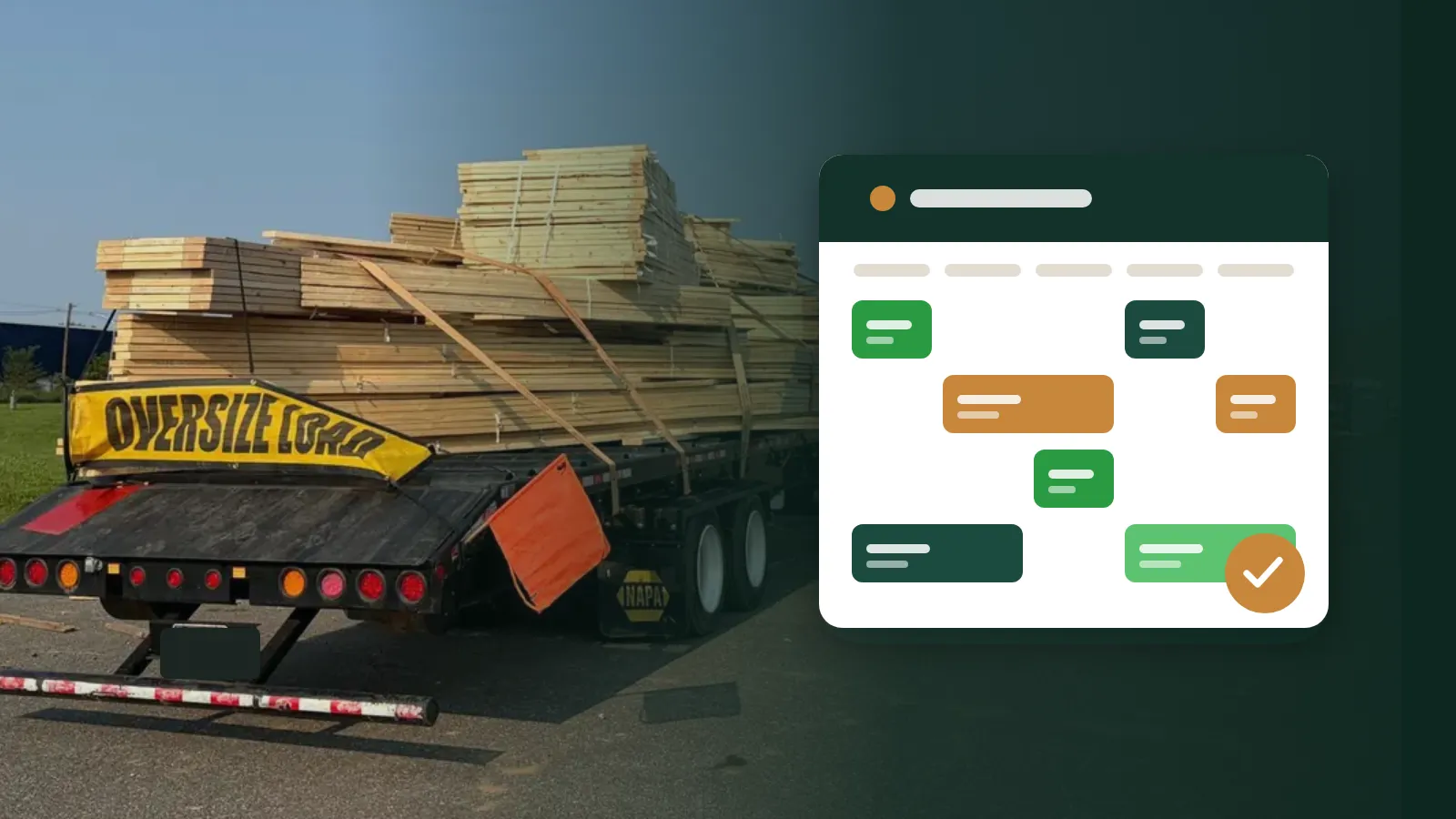
Ask anyone who has run a truss plant through a busy season and they'll tell you the same thing: the delivery that goes wrong at 6 a.m. was usually decided days earlier. A job got cut late, a batch sat waiting for a plate size that ran out, or two loads were promised to the same truck. The scramble happens at the dock, but the cause is on the schedule.
This guide walks through a delivery scheduling approach that works for plants of most sizes. None of it needs special software, although the right tool makes it much easier to keep up.
Every job has one date the customer cares about: when the trusses arrive on site. Everything else in your plant should be planned backward from that date.
For each job, ask four questions:
Write those dates down, even roughly. The point isn't precision; it's making the dependencies visible. When a delivery date moves, you can see at once which steps move with it.
Many plants keep jobs in the order they were received, or grouped by builder. That makes sense for sales, but the floor needs a different view: what ships next.
A job board sorted by delivery date answers the most common questions in seconds. What's going out tomorrow? What's late? What should the yard be pulling right now? If the board is sorted any other way, someone has to do that sorting in their head every time they look at it, and eventually they'll get it wrong.
Late jobs deserve special treatment. A job whose delivery date has passed but isn't marked delivered should stand out, not quietly sit in the list. Whether you use colour, a separate section or a flag, make lateness impossible to miss.
"In progress" is not a status. It tells nobody anything. The statuses on your board should match the physical steps a job goes through in your plant. A common set looks like this:
| Status | What it means |
|---|---|
| Picking | The yard is pulling lumber and plates for the job |
| Cutting | Parts are being cut at the saw |
| Cut in full | Every part is cut and ready for the tables |
| Building | Crews are assembling trusses |
| Done | Built and ready to load |
| Delivered | On site with the customer |
| On hold | Paused, waiting on the customer, a revision or a payment |
Two things make statuses much more useful. First, allow more than one at a time. Real jobs overlap: the saw may still be cutting the last of a job while the first batches are on the tables. A board that forces a single status hides that. Second, give "on hold" its own section so held jobs don't clutter the active list, but don't let them disappear either.
A delivery schedule is really a set of truck loads. A big house may take more than one load; several small jobs headed the same direction might share one. When you schedule, think about:
Delivery dates change constantly. The customer's framer is behind, the weather turns, a revision comes in. Changes aren't the problem; invisible changes are.
When a date moves, three groups need to know: the office (for customer communication), the yard (for picking order) and the shop (for build order). A whiteboard in the office doesn't reach the yard. A spreadsheet on one computer doesn't reach the shop. Whatever you use, the change should show up everywhere at once.
It also helps to know who changed what and when. When a delivery is missed, the first question is often "who moved this?" A record of changes, with names, turns that from an argument into a quick lookup.
Even with a good board, a ten-minute daily check pays for itself. Keep it short and standing up. Look at:
The meeting is short because the board already holds the facts. Nobody needs to ask "where is this job?"; they can see it.
A surprising number of late deliveries are really inventory problems. The job was ready to build, but a plate size ran out mid-batch, or a lumber length was short. Tie your schedule to your stock: when a job starts, deduct its pick list from inventory so the counts reflect what's actually committed, and set low-stock levels on the sizes you can't run out of. Then the daily check can include "anything low that's needed this week?" (We cover this in more detail in Pick lists and why deduct-on-start beats end-of-month counts.)
The best schedule in the world doesn't help if only one person can see it. Put it on the phones the yard lead and the shop lead already carry, and on a screen in the shop. When the people doing the work can see what ships next, they make better decisions without being asked: the yard pulls the right job first, and the crew lead notices that tomorrow's load still has two batches to go.
None of this is complicated. The hard part is doing it consistently, every day, during the busy season, which is exactly when it matters most. A shared, live job board is the simplest way to make that happen. If you'd like to see how the job schedule in Truss Plant Portal handles it, we're happy to show you.
Software that works fine at a desk often fails on the shop floor. Here's what makes a tool usable for people with gloves, noise and no time to spare.
4 min read
AI assistants can now look up jobs, check stock and even draft designs from plans. Here's how to get the benefit without handing over the keys.
5 min read
Plans arrive by email, designs go out as attachments, and somebody builds from revision two when revision three exists. Here's a workflow that prevents it.
5 min read