Who Should See What: Permissions for Office, Yard and Shop
Shared passwords and everyone-can-edit spreadsheets are convenient until something goes wrong. Here's a practical way to give each person the access their job needs.
4 min read
Users & permissions
Everyone signs in with their own username and password, at the level that fits their job. Builders don't need a login at all: they use the crew link.
What it does
Each person has their own username and password, so every change shows who made it.
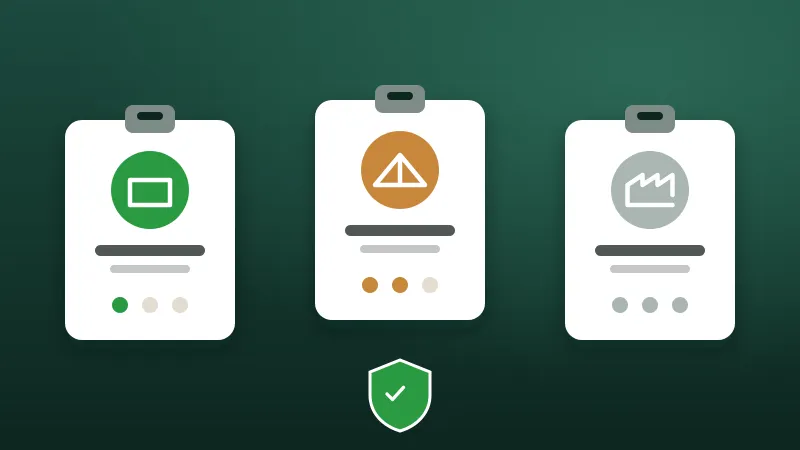
Everything, plus managing people and logins, bonus rules and website demo requests.
Updates jobs, inventory and builds: the day-to-day work of the office and yard.
Looks only. Good for managers and staff who need to see the board but shouldn't change it.
Builders and shop TVs use their own links, which need no login and can only do their one job.
More detailed custom roles and permissions are on the way, for plants that need finer control.
Day to day
The first admin is set up when the portal is.
The admin adds a login for each person, as admin, editor or viewer.
Builders get the crew link; the shop gets TV links.
Turn someone off and they're signed out everywhere.
From the blog
Shared passwords and everyone-can-edit spreadsheets are convenient until something goes wrong. Here's a practical way to give each person the access their job needs.
4 min read
Spreadsheets got your plant this far. Here's how to move to something better in stages, without a big-bang switchover or a lost week.
4 min read
AI assistants can now look up jobs, check stock and even draft designs from plans. Here's how to get the benefit without handing over the keys.
5 min read
Tell us about your plant and we'll show you the portal with the kind of work you build every day.