Mobile-First Tools for the Shop Floor: What Actually Works
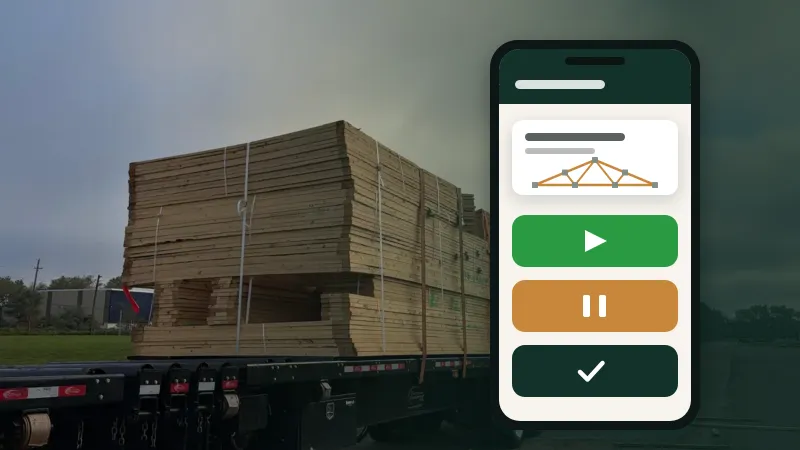
Software that works fine at a desk often fails on the shop floor. Here's what makes a tool usable for people with gloves, noise and no time to spare.
4 min read
Spreadsheets got your plant this far. Here's how to move to something better in stages, without a big-bang switchover or a lost week.
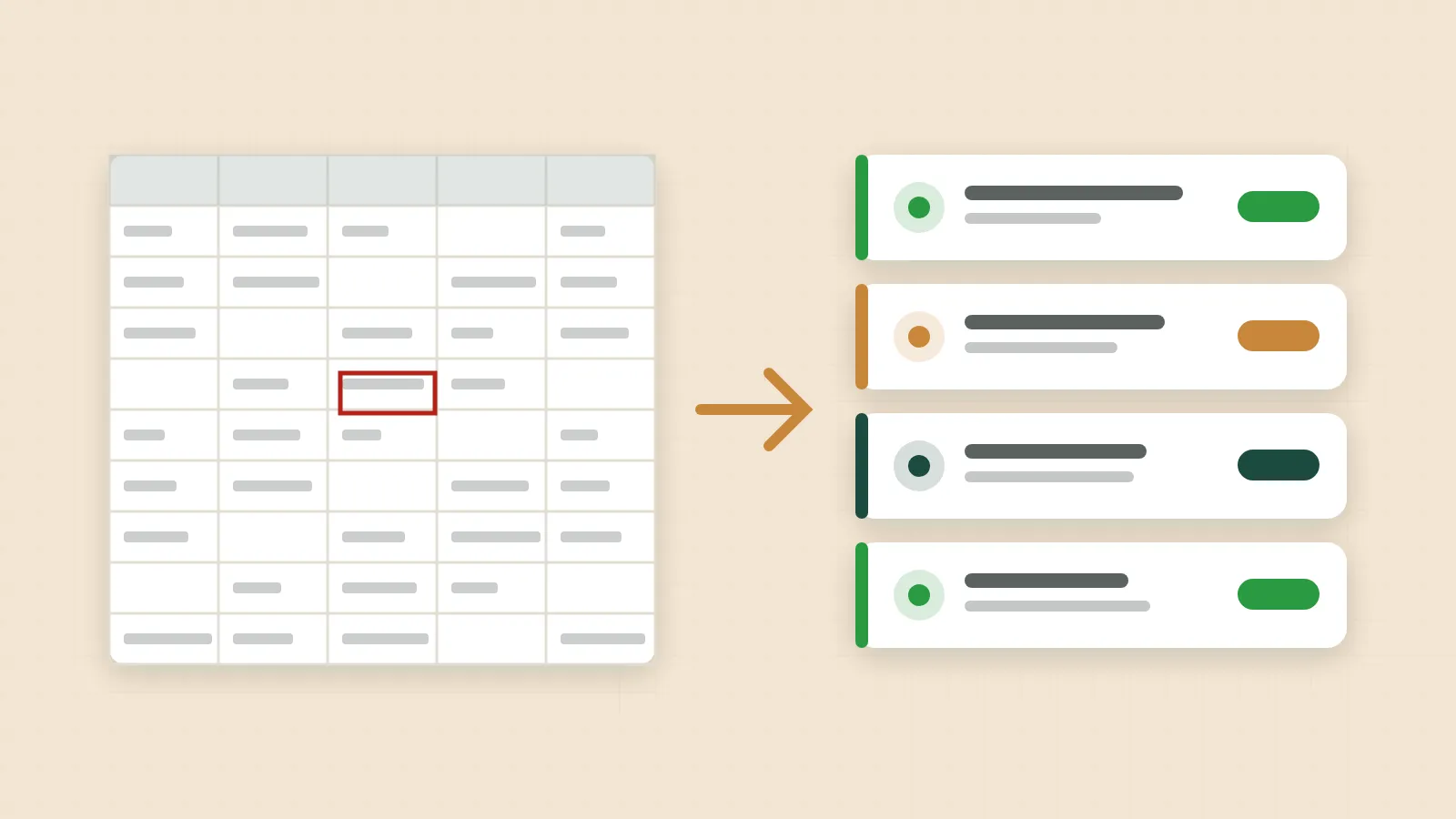
Almost every truss plant has run on spreadsheets at some point. A schedule workbook, an inventory sheet, a production tally, maybe a bonus calculator someone built years ago. Spreadsheets are flexible, familiar and cheap, and for a small operation they can work well.
But as a plant grows, the cracks show. Two versions of the schedule disagree. The inventory sheet hasn't been updated since Tuesday. The person who understands the bonus formulas is on vacation. Nobody on the floor can see any of it. This article covers how to tell when it's time to move on, and how to make the move without disrupting production.
If several of these sound familiar, the spreadsheet is costing you more than it saves.
The biggest risk in moving off spreadsheets is the big-bang switchover: everything moves to the new system on one day, and if anything goes wrong, the plant is flying blind. A staged approach is much safer:
Moving data is a good moment to tidy it. Before importing or re-entering anything:
Spreadsheets tend to concentrate work in one person. A shared system lets you spread it out, but only if you decide who's responsible for what:
Then set access to match. People should be able to do their job, and not much more. See Who should see what: permissions for office, yard and shop for more on this.
Long training sessions are quickly forgotten. A better approach for most plants:
For the first week or so in each area, it can be reassuring to keep the old spreadsheet alongside the new system and compare them. Keep this short. Running two systems for long means double work, and people drift back to the familiar one. Set a date to stop, and stick to it.
After a few weeks, check whether the move has helped. Useful questions:
You don't need precise numbers; you need to know whether things are better and what still needs work.
Moving off spreadsheets doesn't mean never using one again. Spreadsheets are still great for one-off analysis, what-if planning and accounting work. The goal is to move the shared, live, everyday information (schedule, stock, production) into a system everyone can see and trust, and use spreadsheets for what they're good at. Exports from your system into a spreadsheet can be the best of both worlds.
Move in stages, starting with the area that hurts most. Clean and standardize your data on the way in, decide who does what and set access to match, train people in the moment, keep any parallel running short, and check that things are actually better.
Truss Plant Portal is designed to be set up in stages like this: people, stock, jobs, then the floor, with nothing to install and screens simple enough for the shop.
Software that works fine at a desk often fails on the shop floor. Here's what makes a tool usable for people with gloves, noise and no time to spare.
4 min read
Shared passwords and everyone-can-edit spreadsheets are convenient until something goes wrong. Here's a practical way to give each person the access their job needs.
4 min read
AI assistants can now look up jobs, check stock and even draft designs from plans. Here's how to get the benefit without handing over the keys.
5 min read