Mobile-First Tools for the Shop Floor: What Actually Works
Software that works fine at a desk often fails on the shop floor. Here's what makes a tool usable for people with gloves, noise and no time to spare.
4 min read
Shared passwords and everyone-can-edit spreadsheets are convenient until something goes wrong. Here's a practical way to give each person the access their job needs.
In many plants, access to information is all or nothing. Either everyone shares one password and can change anything, or information is locked in one person's computer and nobody else can see it. Neither works well. The first leads to accidental changes nobody can trace; the second creates bottlenecks.
The answer is a small, sensible set of permissions: everyone can see what they need, people can change only what their job requires, and every change is tied to a name. This article covers how to set that up for a truss plant's office, yard and shop.
The single most important step is to give each person their own login, rather than sharing one. Personal logins mean:
Shared codes are often how plants start, and they're fine for getting going. But once more than a few people are involved, move to personal logins and then turn the shared codes off.
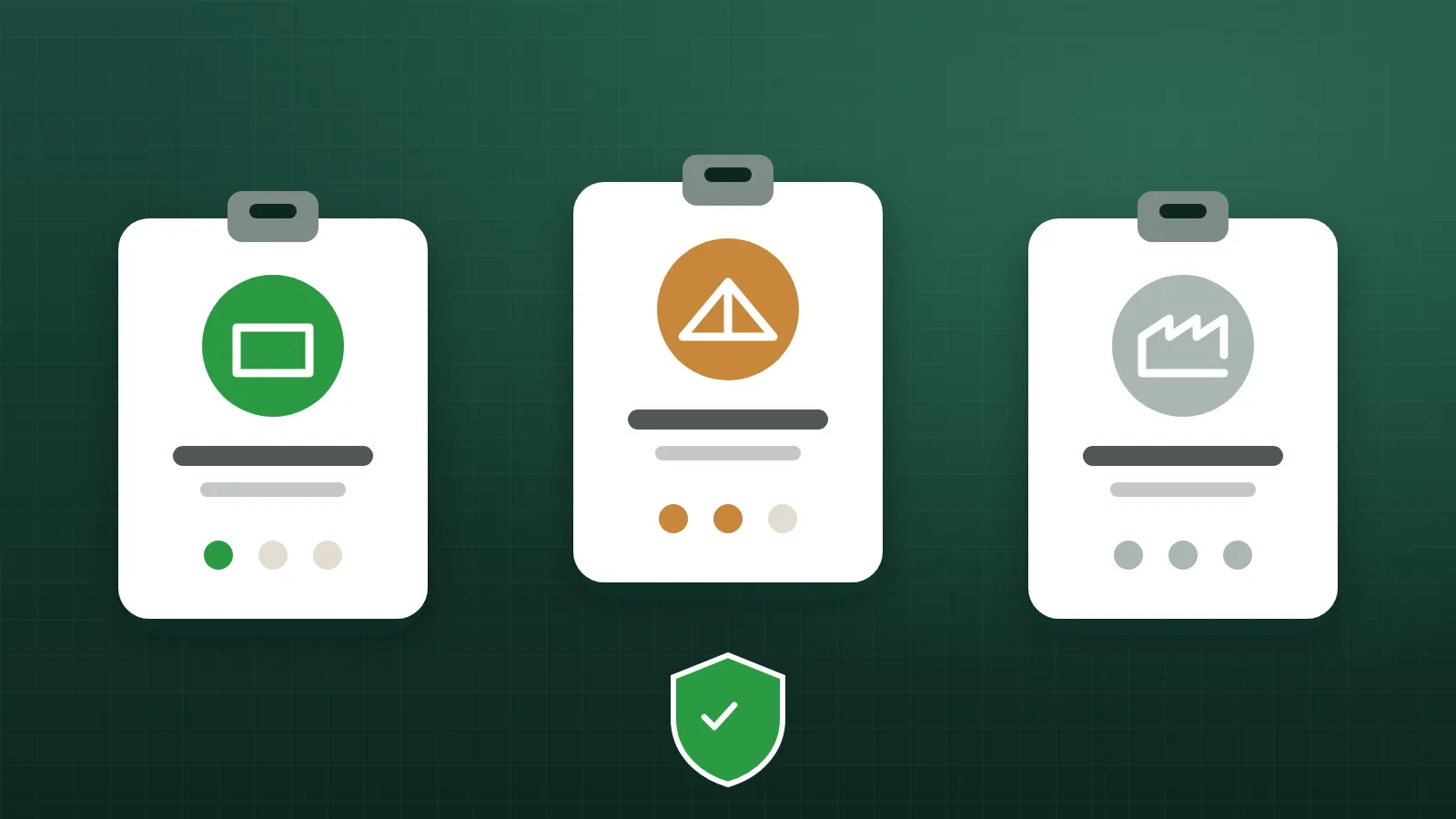
You don't need dozens of roles. For most truss plants, three levels cover nearly everyone:
| Role | Typical people | What they can do |
|---|---|---|
| Admin | Owner, plant manager | Everything, including managing people and logins, and bonus rules |
| Editor | Office staff, schedulers, yard lead | Update jobs, inventory and builds: the day-to-day work |
| Viewer | Sales, estimators, supervisors who only need to look | See the information, change nothing |
Keep the number of admins small. Admins can add and remove people and change rules that affect pay, so those powers belong with the people accountable for them.
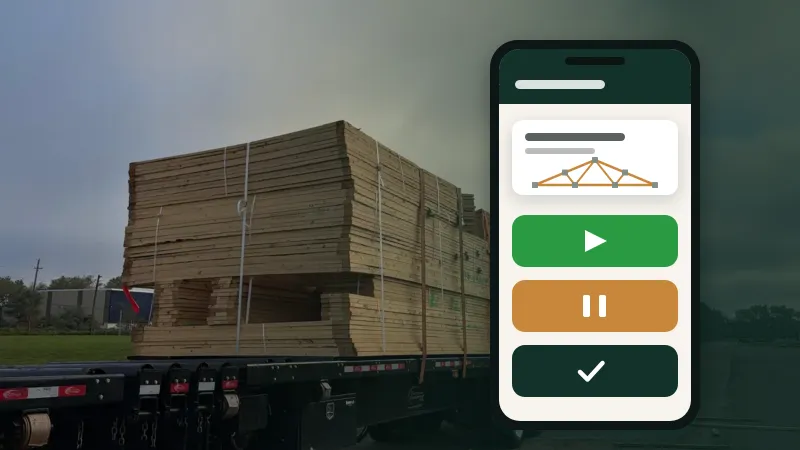
Crews building trusses need to do one thing with the system: record the work they're doing. They don't need to see costs, edit jobs or manage inventory. And they often work with gloves on, at a shared device, with no time to remember passwords.
For the shop floor, a better model is a dedicated link that does just that one job: start, pause and finish batches. No password, no access to anything else. Similarly, a shop TV should use a view-only link that shows the board and can't change anything.
Because these links work without a password, treat them like keys: share them only with the people and devices that need them, and replace them if they get out.
A common mistake is giving access based on how senior or trusted someone is, rather than what their job requires. A long-serving yard lead may be completely trustworthy, but if they never need to change bonus rules, they don't need admin access. Least access isn't a judgement about a person; it's protection against accidents, compromised passwords and confusion.
Some practical guidelines:
Permissions aren't a one-time setup. A few habits keep them healthy:
Three roles are a good start, but some plants eventually want finer control: an editor who can update jobs but not inventory, or a viewer who can't see costs. Those needs are real, and more detailed custom roles are a natural next step as a plant grows. Start simple, though. It's easier to add detail later than to untangle a complicated permission scheme nobody understands.
Give everyone a personal login, use a small set of roles (admin, editor, viewer), keep admin access with the people accountable for it, and give the shop floor simple single-purpose links instead of passwords. Turn people off promptly, review access regularly, and make sure connected apps are covered by the same rules.
Users & permissions in Truss Plant Portal work exactly this way: personal logins with admin, editor and viewer roles, a crew link and TV links that need no login, and every change signed with a name. More detailed custom roles are coming.
Software that works fine at a desk often fails on the shop floor. Here's what makes a tool usable for people with gloves, noise and no time to spare.
4 min read
Spreadsheets got your plant this far. Here's how to move to something better in stages, without a big-bang switchover or a lost week.
4 min read
AI assistants can now look up jobs, check stock and even draft designs from plans. Here's how to get the benefit without handing over the keys.
5 min read