Designing a Fair Crew Bonus Program for a Truss Plant
A good bonus program makes crews pull in the same direction as the plant. A bad one teaches them to game the numbers. Here's how to build the good kind.
5 min read
Crew bonus points
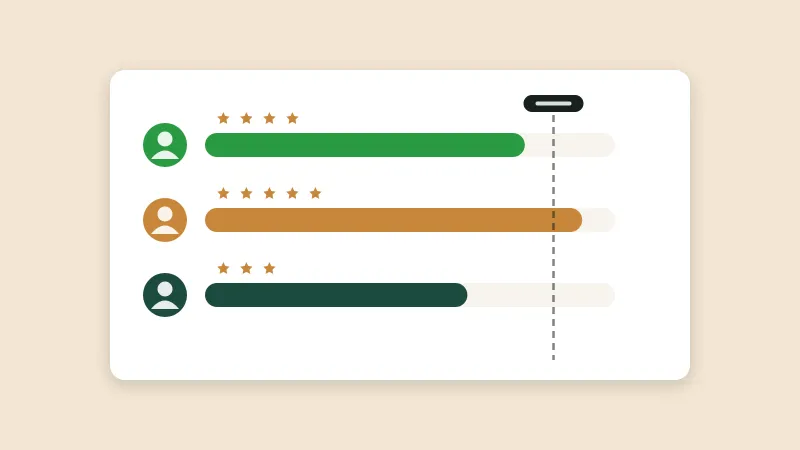
Set daily and weekly targets and let crews earn points as they build. Everyone can see where they stand during the week, and bonuses are worked out from the same numbers.
What it does
Points come from the batches crews finish in build tracking, not from a separate tally.
Set targets for the day and the week. Crews see their progress as they go.
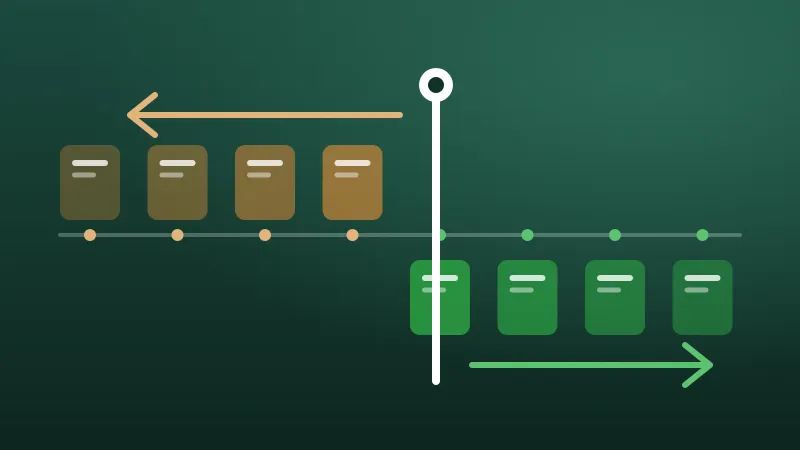
When you change a rule, choose whether it recalculates past days or applies only from now on.
Each version of the rules is saved, so you can always see which rule applied to which week.
Only admins can change the bonus rules. Everyone else can see the points.
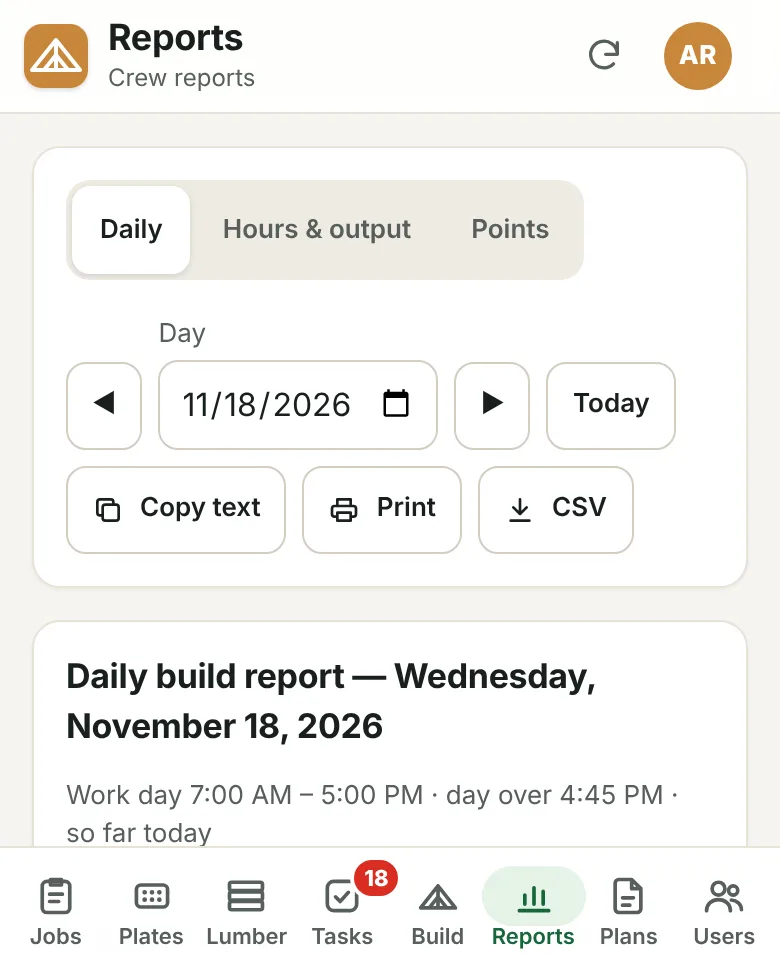
Points and the daily build report come from the same data, so there's one version of the truth.
Day to day
An admin sets the point rules and the daily and weekly goals.
Crews earn points as they finish batches.
Everyone checks the standings during the week.
Bonuses are worked out from the same numbers at the end of the period.
From the blog
A good bonus program makes crews pull in the same direction as the plant. A bad one teaches them to game the numbers. Here's how to build the good kind.
5 min read
Every bonus program changes eventually. Whether a change reaches back in time or starts today can make the difference between trust and a shop-floor argument.
4 min read
Trusses per hour is the number everyone quotes and the one most likely to mislead. Here's how to measure production in a way that's fair and actually useful.
5 min read
Tell us about your plant and we'll show you the portal with the kind of work you build every day.