Batching a House's Trusses into Build Groups
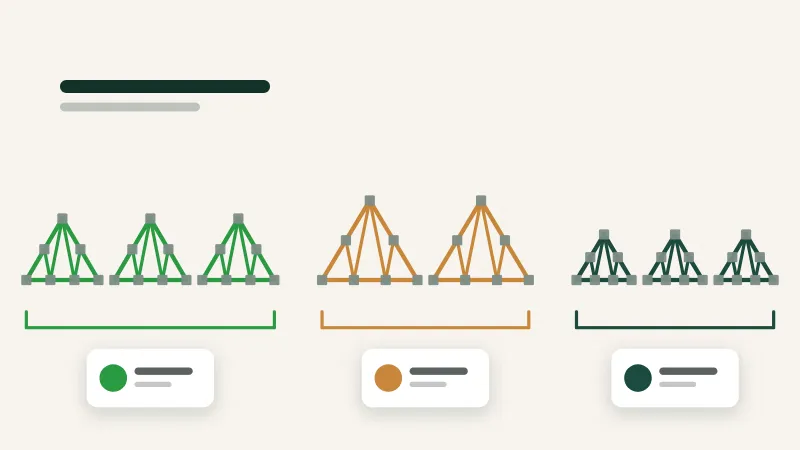
A whole house is too big to track as one unit and a single truss is too small. Batches by build group are the size that makes the floor run smoothly.
5 min read
Build tracking & shop TV
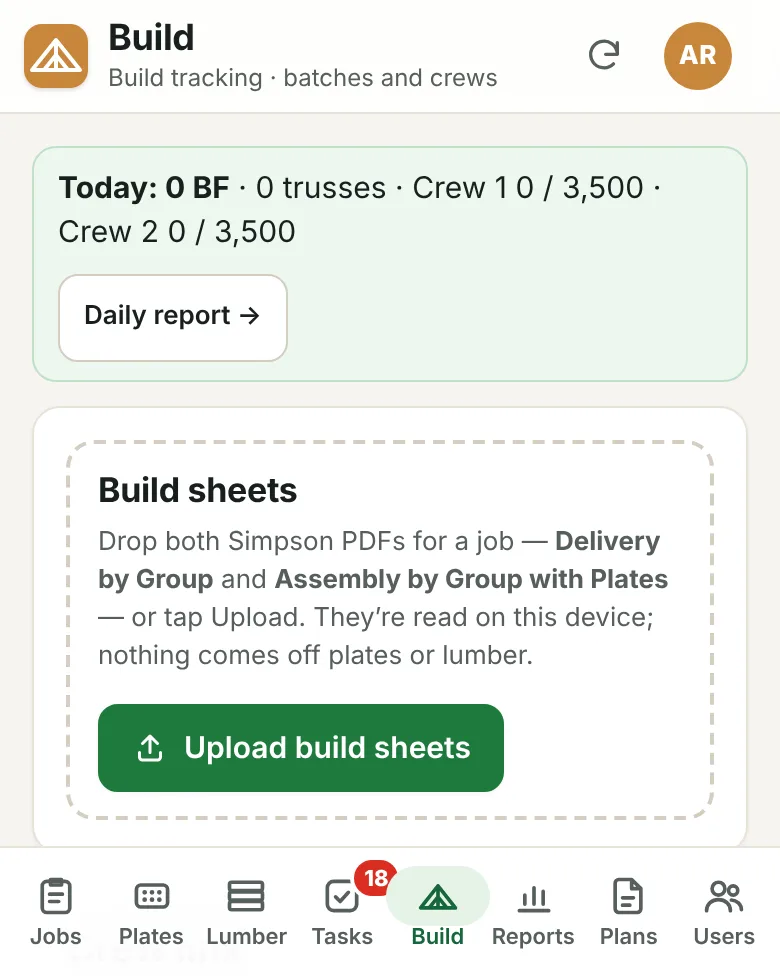
Upload a job's build sheets and the portal splits the house into batches by group, counting trusses, lumber, plates and joints for each. Builders tap Start, Pause and Done on a simple crew link.
What it does
The house is split into batches by group, each with its counts of trusses, lumber, plates and joints.
Builders open their crew link and tap Start, Pause and Done. There's no password to remember.
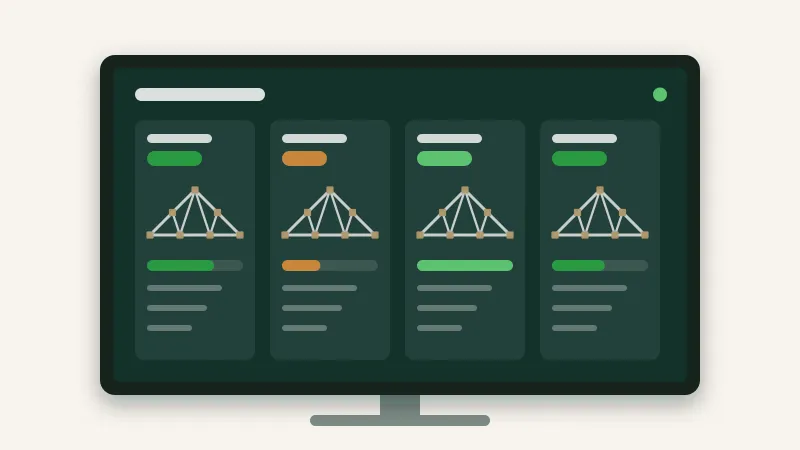
Put a TV link on a screen in the shop and everyone can see what each crew is building.
See output per crew, per hour and per day, from the same taps the crews already make.
A report of the day's builds that you can print or export.
Finished batches count toward each crew's daily and weekly goals.
Day to day
Upload the job's build sheets.
The portal splits the house into batches by group.
A crew taps Start on a batch, Pause for breaks, and Done when it's built.
The TV, the job board and the daily report update as they go.
From the blog
A whole house is too big to track as one unit and a single truss is too small. Batches by build group are the size that makes the floor run smoothly.
5 min read
Trusses per hour is the number everyone quotes and the one most likely to mislead. Here's how to measure production in a way that's fair and actually useful.
5 min read
A TV on the shop wall can save dozens of walks to the office every day, or it can become expensive wallpaper. The difference is what you put on it.
5 min read
Tell us about your plant and we'll show you the portal with the kind of work you build every day.