Pick Lists and Why Deduct-on-Start Beats End-of-Month Counts
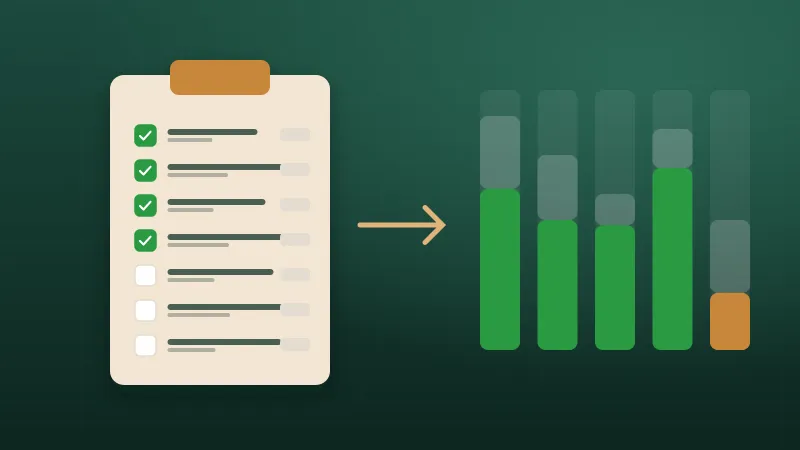
If stock only comes off the books at month end, your counts are wrong for the other 29 days. Deducting each pick list when the job starts fixes that.
5 min read
A low-stock alert is only as good as the level behind it. Here's a simple, practical way to set reorder points that warn you in time, without tying up cash.
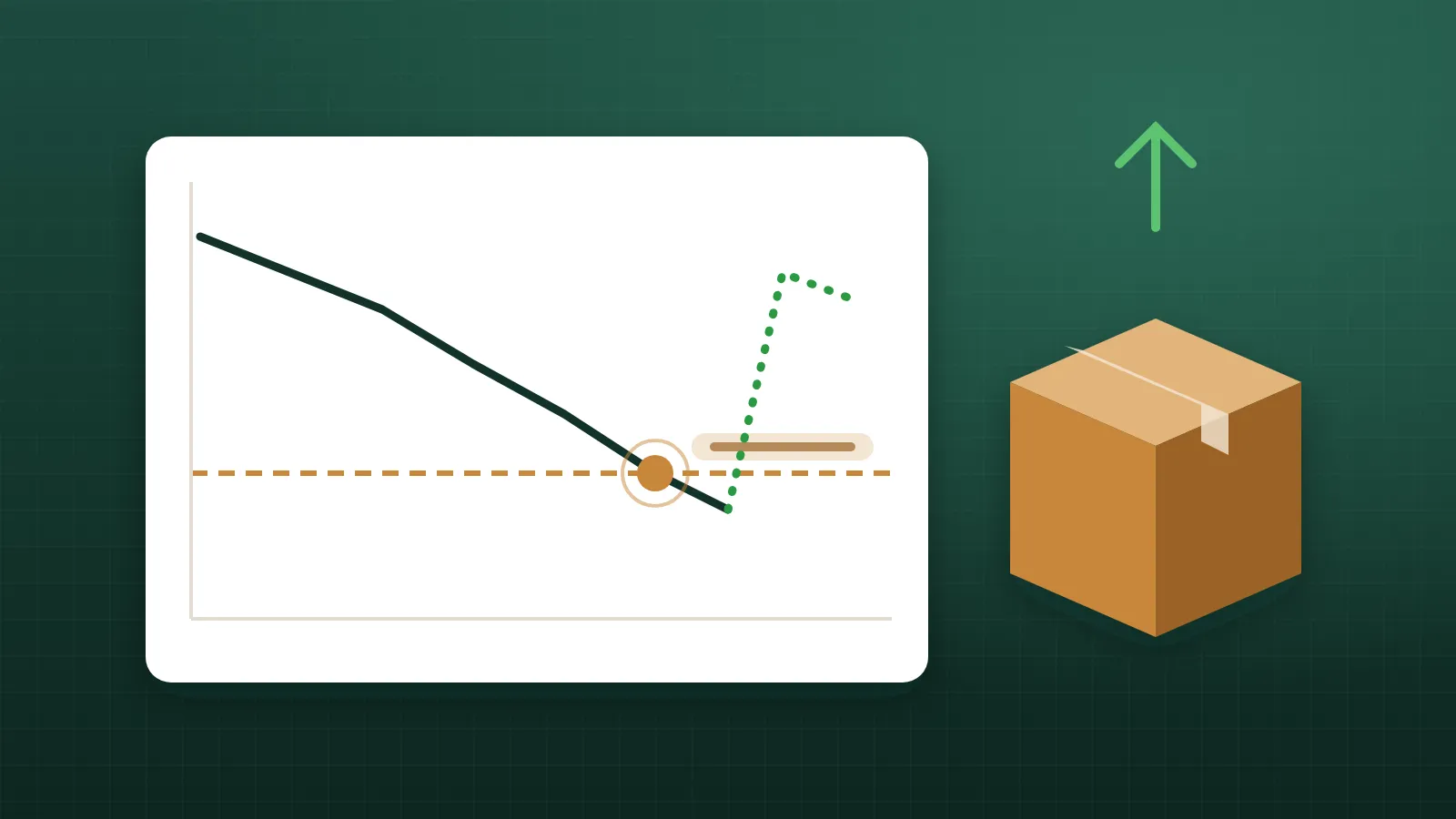
Running out of a plate size or a lumber length stops production. Carrying far too much ties up cash and yard space. The tool that balances the two is the reorder point: the stock level at which you order more. Set it well and shortages become rare. Set it badly, or not at all, and you're relying on someone noticing the rack is nearly empty.
This article explains how to set reorder points for plates and lumber using a simple formula, how to adjust for the realities of a truss plant, and how to keep the levels up to date.
You need to order before you run out, early enough that the new material arrives before the last of the old is used. So the reorder point has two parts:
Reorder point = (average daily usage × lead time in days) + safety stock
For each item, find out how much you use over a typical period. If you deduct pick lists from inventory when jobs start, this data is already there: total the deductions for the item over the last several weeks and divide by the number of working days.
Use working days, not calendar days, if your plant doesn't run every day. And use a period long enough to smooth out one-off jobs, but recent enough to reflect your current work.
Lead time is the number of working days from placing an order to having the material on your floor and in your count. Ask your suppliers, but also check your own records: actual lead times are often longer than quoted ones, especially in busy seasons. Include any time your own team takes to place the order after the alert appears.
Safety stock covers the unexpected: a big job that uses more than usual, a late truck, a miscount. There are statistical methods for calculating it, but a practical starting point for most plants is to cover a few extra days of usage, more for critical items or unreliable suppliers, less for items you can get quickly.
Ask two questions for each item:
The same method works for lumber, item by item: each grade, size and length gets its own level based on its own usage.
The reorder point tells you when to order. You still need to decide how much. Common approaches:
Keep an eye on cash and space. A large order of a slow-moving item can tie up money and yard space for months.
The basic formula assumes steady usage. Truss plants rarely have that. Adjust for:
A common and expensive mistake: the low-stock alert appears, one person orders, and then another person sees the same alert and orders again. The fix is simple: mark the item as on order when you place the order, so everyone can see it's handled, and clear the flag when the delivery arrives and is counted.
A reorder point is useless if nobody sees the alert. Make sure the people who place orders see low-stock items without going looking, whether that's a list in the inventory screen, a daily check or a notification. Alerts should be specific: which item, how many are left and the level it dropped below.
Reorder points aren't set-and-forget. Review them:
The review doesn't need to be long. Compare each important item's recent usage and lead time with the assumptions behind its level, and adjust.
Reorder points only work if the count they're compared with is accurate. If your stock only comes off the books at month end, the count is too high most of the time and alerts come too late. Deducting each job's pick list when it starts, and cycle counting the important items, keeps the count close to reality. See Keeping truss plate inventory accurate for more.
Reorder point = usage during lead time + safety stock. Work out usage from your own deductions, check real lead times, choose safety stock based on how bad a shortage would be and how reliable supply is, and adjust for seasons and big jobs. Mark items on order so nobody orders twice, and review the levels regularly.
Truss Plant Portal's inventory lets you set a low-stock level on any plate or lumber item, shows what's below its level, and lets you mark items on order, with counts kept current by pick-list deduction.
If stock only comes off the books at month end, your counts are wrong for the other 29 days. Deducting each pick list when the job starts fixes that.
5 min read
Lumber is quoted per thousand board feet but used one piece at a time. Here's how to connect the two so you always know what your stock and your jobs really cost.
5 min read
Running out of a plate size in the middle of a batch stops a crew cold. Here's how to keep plate counts you can actually trust.
5 min read